Role play
For organizations that run a world: files, profiles and the network of relations, orders, treasury. Everything is on.
OSM Core is designed as an independent organization platform, separate from any particular game. What a single game calls for comes through optional plugins. Each feature shows its development status: “built” means it is present in the app but not yet publicly released. The full overview is under Status.
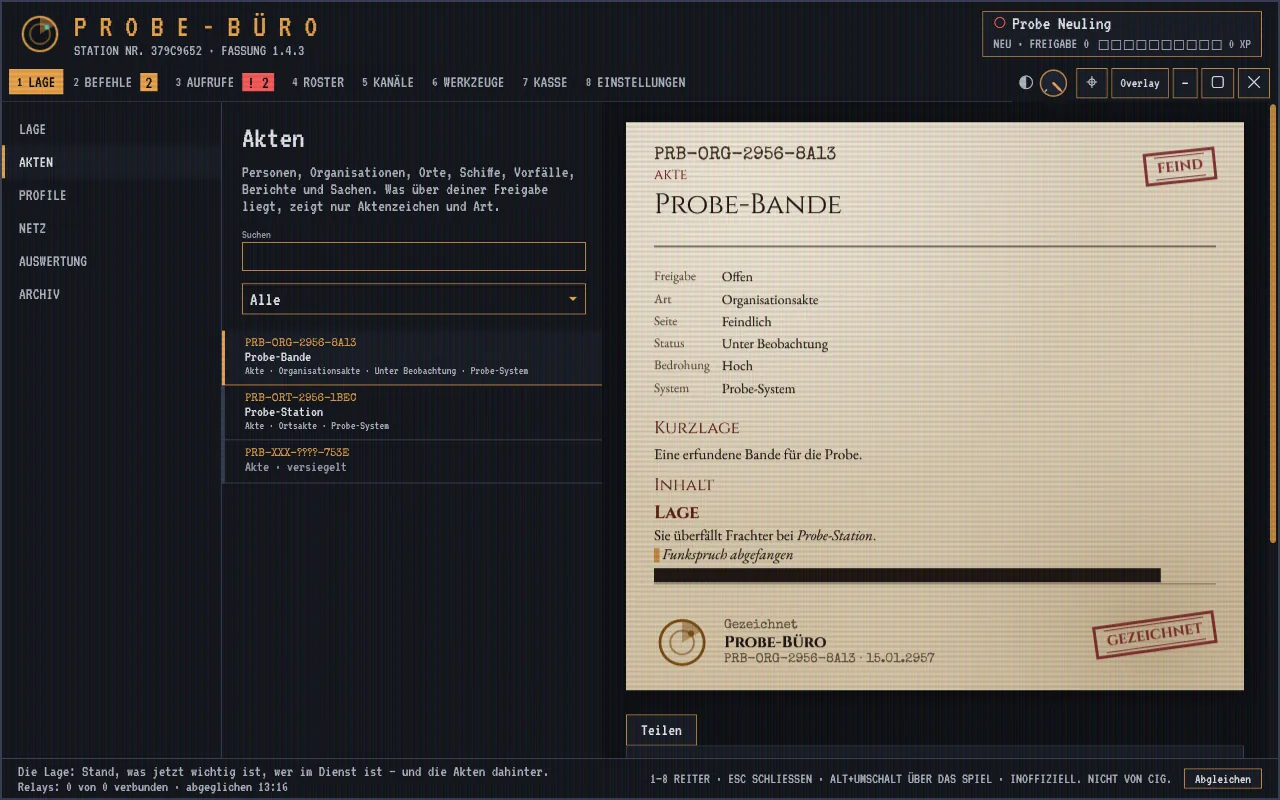
Managing files on people, places, ships and organizations, along with profiles, networks of relations and an archive. Each file has a clearance level from “open” to the highest level. Missing clearance shows as redacted bars whose length is rounded and capped and gives only a rough hint of the extent.
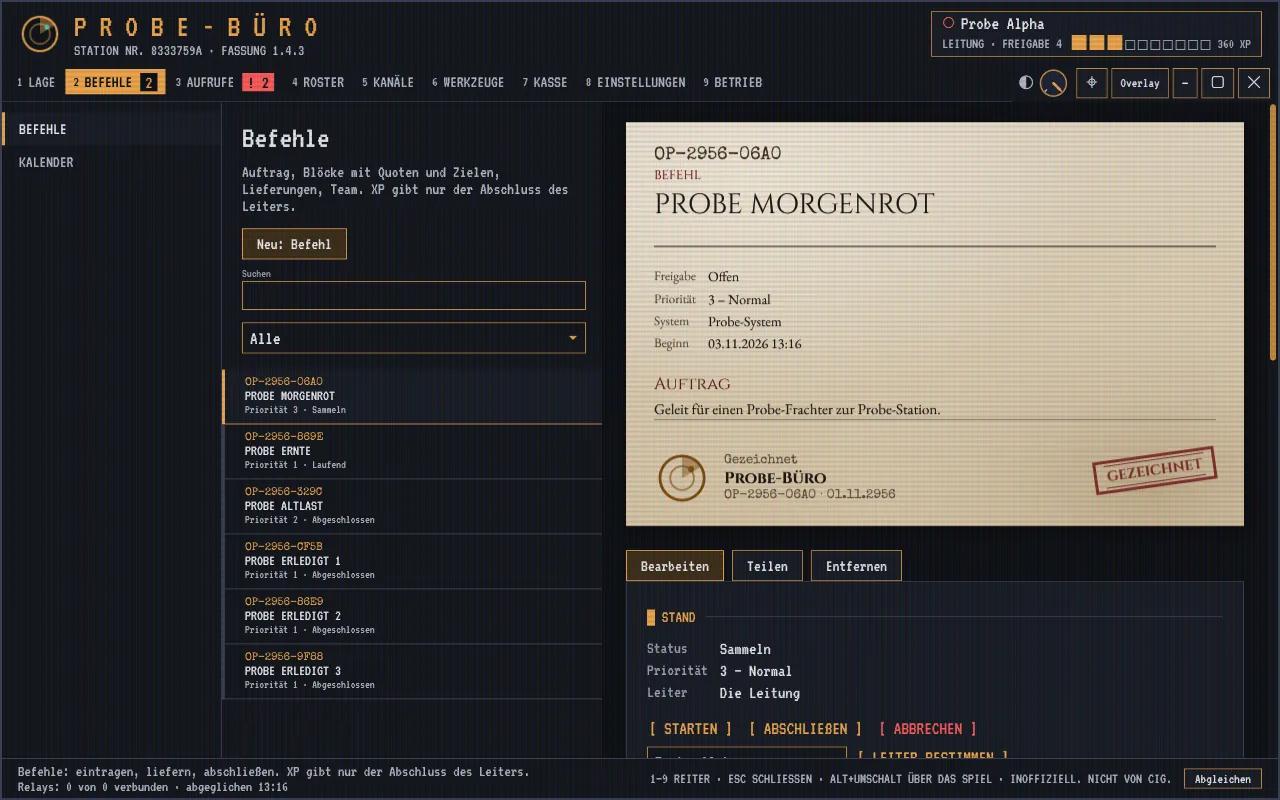
Assignment and operations control for the leadership: creating, assigning, tracking and closing orders with goals, time windows and team, plus an overview of dates.
Direct alert channels between members with a prioritized distress call, which also appears in the pager over the game. Any member can file a report.
Member overview with ranks and service records, the organization's fleet, and your own duty statistics and digital badge.
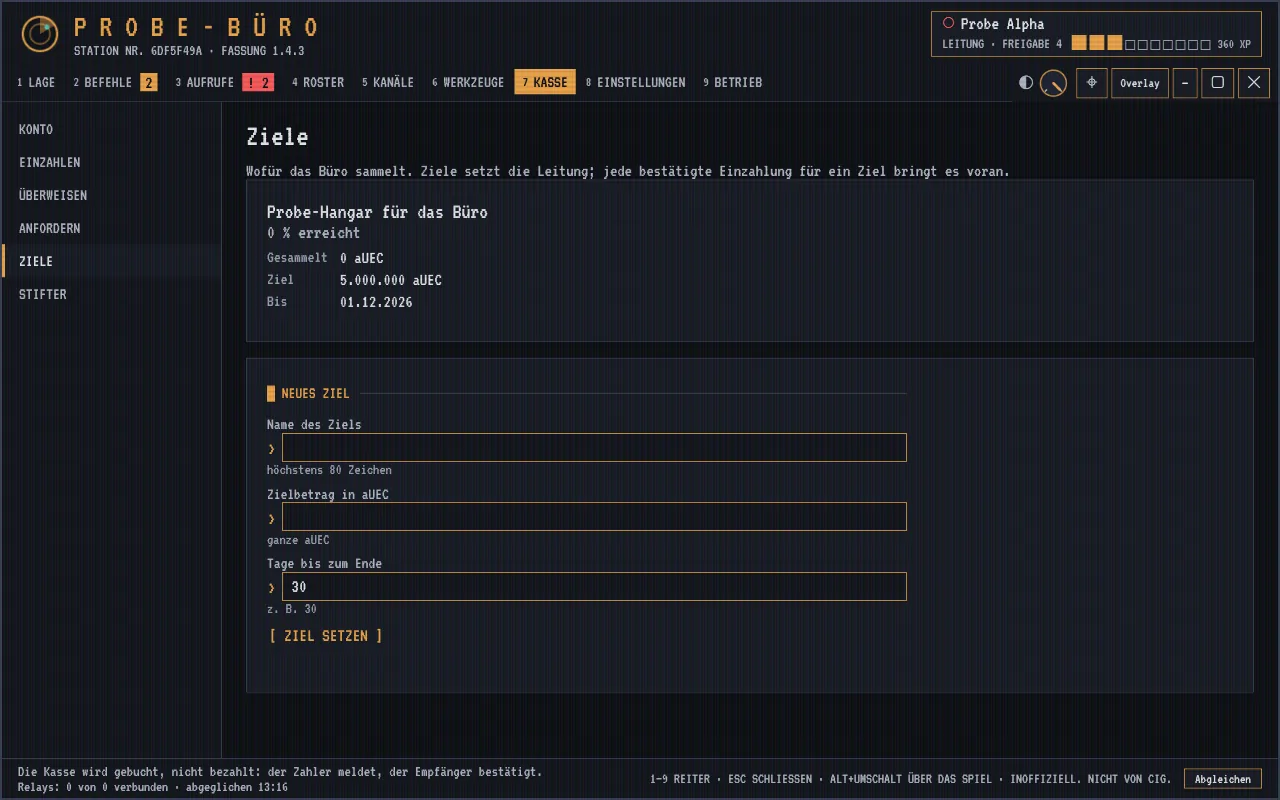
Bookkeeping for the organization's deposits, expenses and fines. OSM handles only booking data and makes no payments itself.
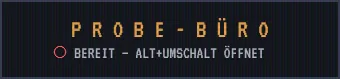
A compact pager at the screen edge shows the status and the most important current message, an open distress call for example. At a key press the monitor opens with its tabs. Both are normal, visible windows of the app. The test over the running game is still to come.
When founding an office, the leadership picks a template: role play, operations or league. Colors, logo and active tabs can be adjusted; each member arranges their own overlay.
For organizations that run a world: files, profiles and the network of relations, orders, treasury. Everything is on.
For groups that mostly go out together: orders, calls, roster and tools. Without files, profiles and treasury.
For teams with fixed dates: roster, calendar and calls. Without files, orders, treasury and tools.
Secure channels within the organization. So far the app only holds the place for them.
Connection to the organization's own voice server: The server stands, the app is not connected yet. Access is to require a valid badge.
The first game plugin. It loads only with a valid signature; without a plugin, the office runs neutral.
Price overviews, trade routes and refinery. Each member brings in prices from UEX with their own token, along with the office's price reports.
Ship equipment, locations and star map from the game data.
Text recognition on screenshots the member takes, and read-only evaluation of the game's log file, only when the member turns it on.
The leadership reads the data of its own installation on a click, read-only. As long as neither that nor an office package is there, the app fetches data once a day from the Star Citizen Wiki.
Signed passing on of prepared game data to the members through the organization's own service. Built in the app, not yet tried against a real service.
Dedicated tools for mining, salvage and crafting are to follow; as a block of an order, salvage and crafting already work.